
Blog posts tagged "docker"

오늘날 급변하는 디지털 환경에서 강력한 도커 컨테이너 보안 조치의 중요성은 아무리 강조해도 지나치지 않습니다. 컨테이너화된 계층도 규정 준수 표준의 적용을 받기 때문에 보안 문제 및 규정 준수 요구 사항이 발생합니다. 도커 컨테이너 보안 조치는 경량의 어플라이언스 유형 컨테이너(각 캡슐화 코드 및 해당 종속성)를 위협 및 취약성으로부터 보호하는 것을 수반합니다. 민감한 개인 데이터를 처리하는 데 의존하는
In today’s rapidly changing digital environment, the significance of robust Docker container security measures cannot be overstated. Even the containerised layer is subject to compliance standards, which raise security concerns and compliance requirements.
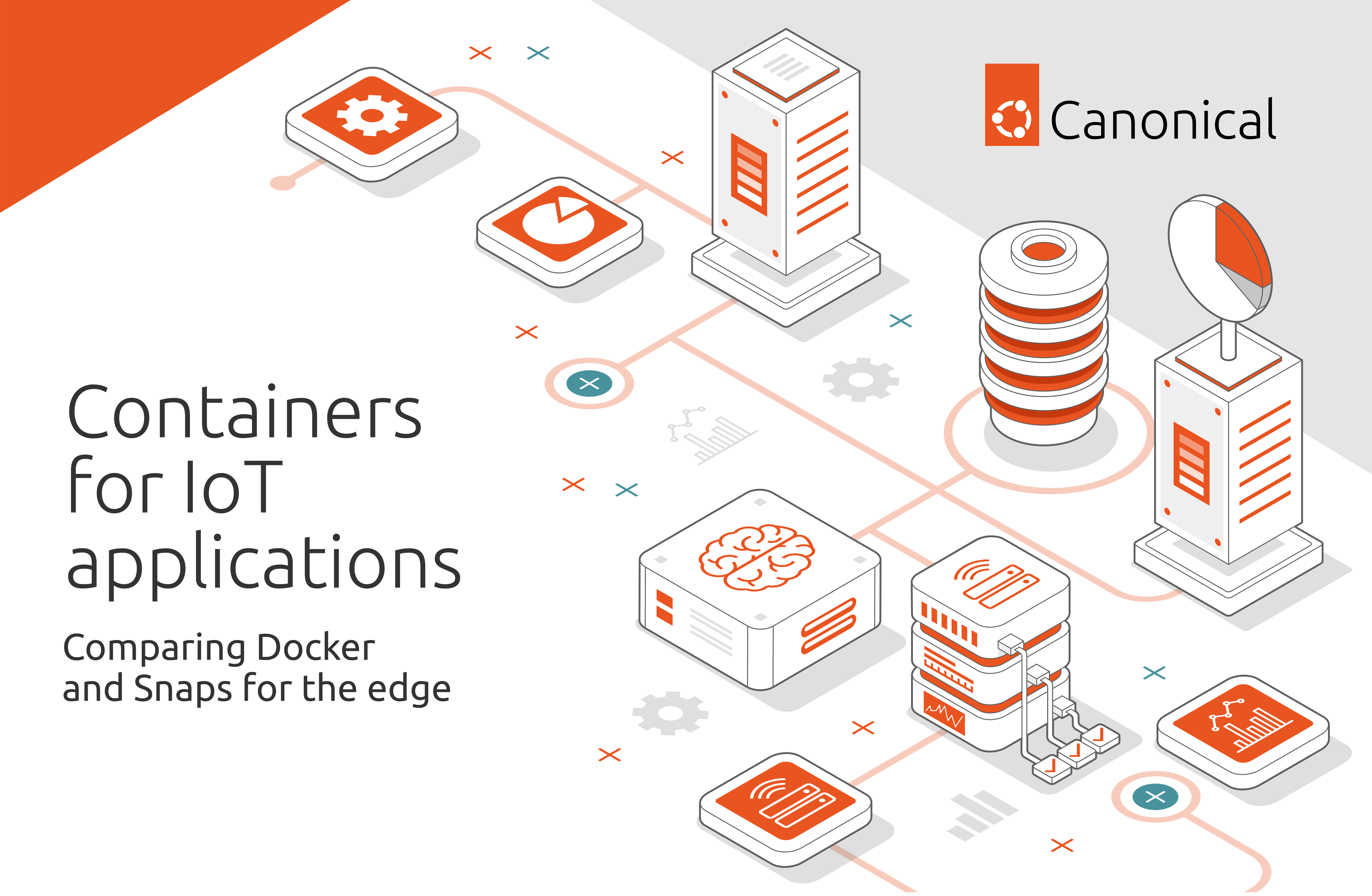
The Docker project was initiated by dotCloud, a platform-as-a-service (PaaS) company that created Docker to run their internal infrastructure. Slowly, Docker became more successful than any of their other products, so dotCloud rebranded as Docker Inc. Docker provides easy-to-use tooling and grew into an entire ecosystem for container mana

In this blog post, we are going to see when and how to migrate a ROS application currently deployed with Docker to Snap. This topic is also covered on our documentation website. We will use the web-based joystick application developed by Husarion, (GitHub – husarion/webui-ros-joystick) as an example. This application is used to send veloc

The Robot Operating System (ROS) has been powering innovators for the last decade. But as more and more ROS robots are reaching the market, developers face new challenges deploying their applications. Why did we start using ROS & Docker? Is it convenient? Does it solve our challenges? Or is it simply a tool from another

In a previous post, I explained how we made our Ubuntu image 15 times smaller by chiselling a specific slice of Ubuntu for .NET developers. In this blog, I will provide step-by-step instructions on customising your chiselled Ubuntu base images for any use case. Chiselled Ubuntu containers combine Distroless and Ubuntu to create smaller, m

Last August, we announced 6 MB-size Ubuntu base images designed for self-contained .NET applications — we called them “chiselled Ubuntu”. How did we make our Ubuntu base images 15 times smaller? And how can you create your own chiselled Ubuntu images? In this blog, I explain the idea behind Distroless container images, which inspired us
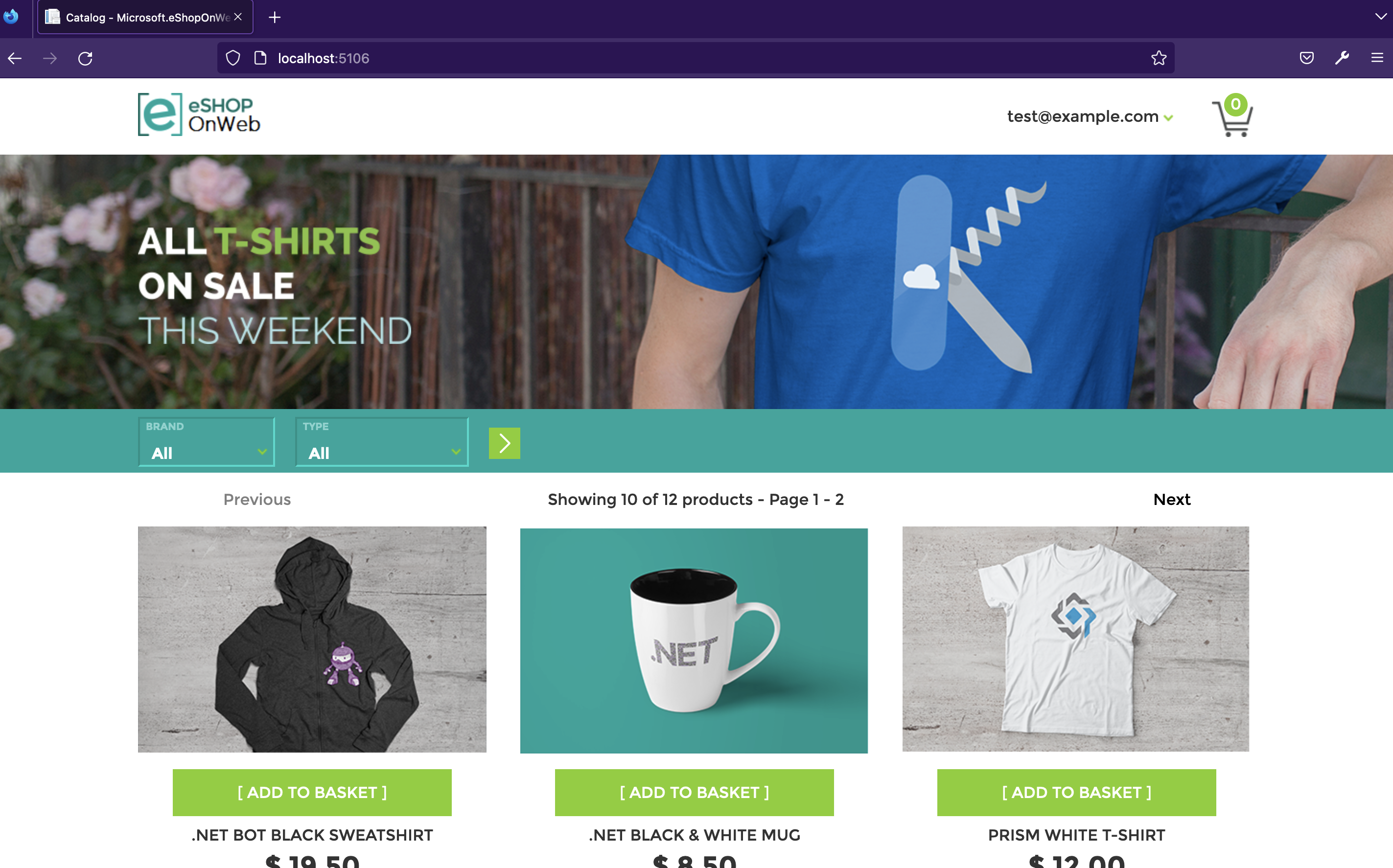
Looking for a way to improve the performance and reliability of your online shopping and payment systems during the holiday season? Look no further than chiselled Ubuntu images! In this blog series, I’ve already discussed the benefits of using these lightweight and efficient images for your containerised applications. In this second part,

As we enter the holiday season, online shopping and payment systems are gearing up for higher traffic and workloads. Ensuring that these applications can handle the increased demand without slowing down or crashing is critical for providing a smooth and efficient experience for customers. One way to improve the performance and reliability

Canonical’s UA and Pro customers can now fully benefit from their subscriptions directly in containerised environments and pipelines. The new UA client release (27.7+) makes it easier to enable FIPS mode in Ubuntu containers. It also automatically signs up CI/CD builds for 10-year security updates to never worry about production container
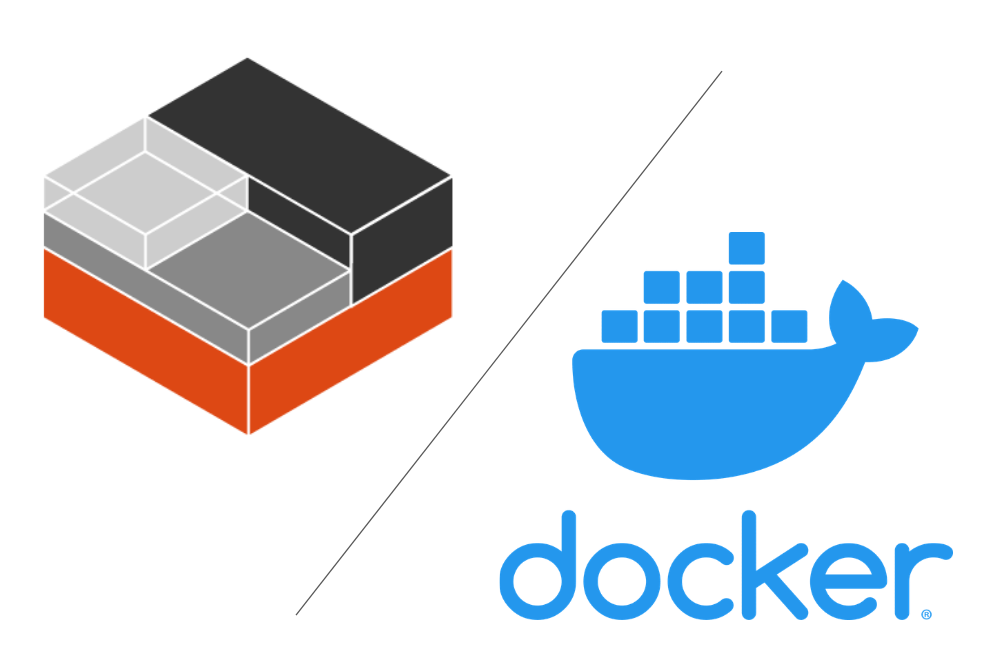
When talking about containers, a common confusion for potential users of LXD is that LXD is an alternative to Docker or Kubernetes. However, LXD and Docker are not competing container technologies, and they tend to serve completely different purposes. In this blog, we’ll briefly discuss the differences and the suitable use cases for both.
Multipass has a new workflow tailored to run Docker containers on macOS, Windows or Linux. One single command, no dependencies, full flexibility. Multipass exists to bring Ubuntu-based development to the operating system of your choice. Whether you prefer the GUI of macOS (even on M1), Windows or any other Linux, the unmatched experience

Update: there is now a more streamlined way to run Docker on Multipass – see this tutorial for more details. Original blog below: If you’re looking for an alternative to Docker Desktop or to integrate Docker into your Multipass workflow, this how-to is for you. Multipass can host a docker engine inside an Ubuntu VM

This blog is the last part of a series – don’t miss parts one and zero. We’re on a mission to demonstrate OpenVINO™ on Ubuntu containers; from the consistently outstanding developer experience to the added trust to your software supply chain. In this blog, I’ll guide you on your way to building and deploying an

Since I wrote Launch Ubuntu Desktop on Google Cloud last week, I kept thinking about putting Ubuntu Desktop into containers. A container is an independent unit of software packages and their dependencies so that the application on the container can run reliably in different computing environments. Docker, an open-source project launched i

Christmas is coming, but you don’t have a present on hand for your (grand)parents (Mom, Dad, if you’re reading this – I promise this post isn’t drawn from real life!). Looking for a solution? If your loved ones happened to live through the era of monochrome photography, keep reading. You can work some magic with