

Igor Ljubuncic
114 posts

In the past, we have discussed various ways on how to debug and troubleshoot potential issues during snap development. The ability to quickly iterate, resolve build process hurdles and publish the application in a timely manner is essential to a robust, positive development experience. Today, we would like to outline a few basic tips and

“No plan survives contact with the enemy.” This is a quote famously attributed to the Prussian field marshal Helmuth von Moltke. It is also quite applicable to software development: “No code survives contact with the user.” In mission-critical environments, staggered deployments of software are a crucial part of controlled updates, design

If you have been using computers for some time now, you probably have fond memories of this or that piece of software from the past, an application or a game that was fun, useful and just plain great, but which isn’t available any longer. For those who have had a chance to experience the digital
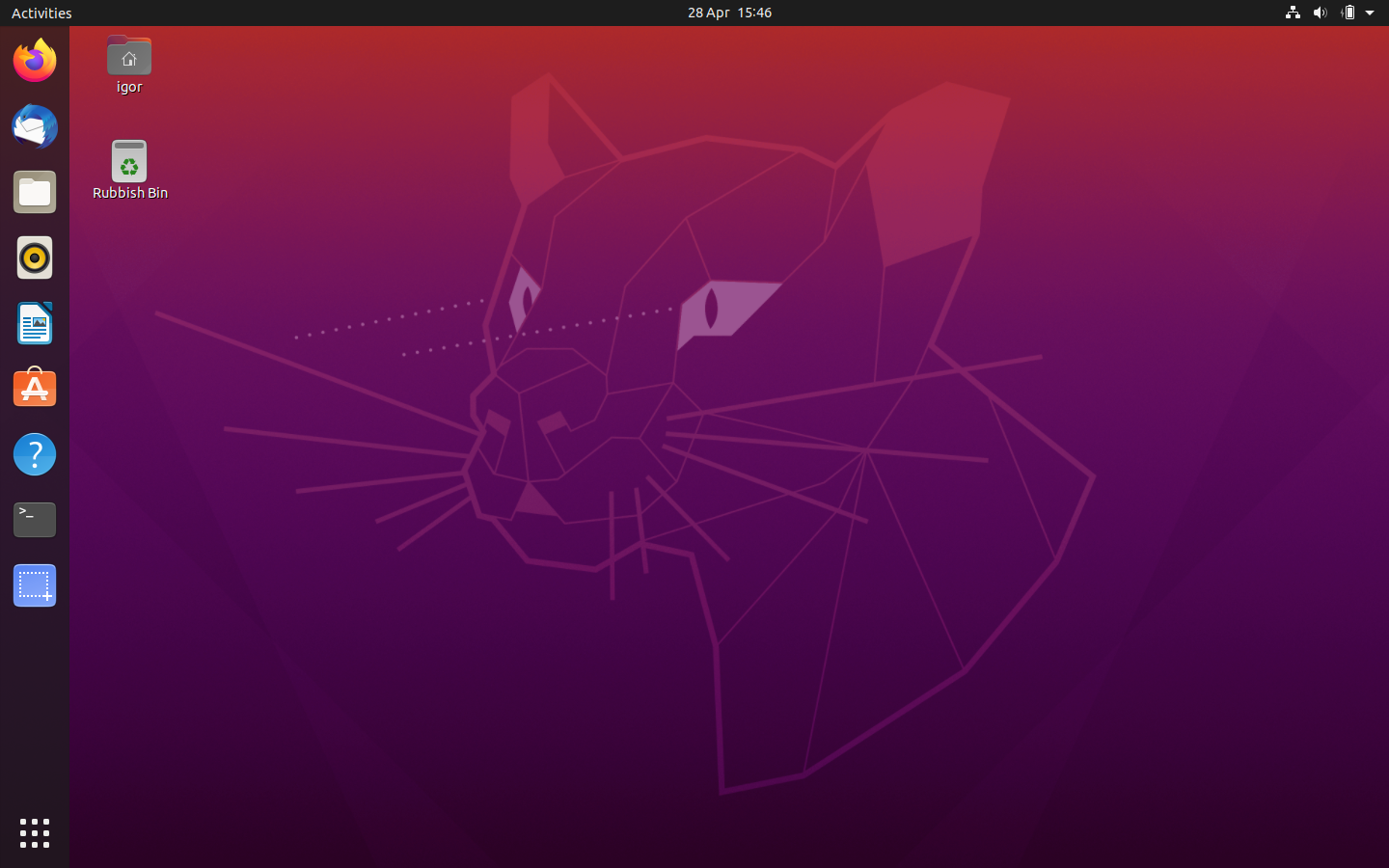
Ubuntu 20.04 LTS (Focal Fossa) was officially released on April 23. This is the latest Ubuntu Long Term Support (LTS) release, with security patches and updates available until 2025. If you are currently using an older version of Ubuntu, you may be interested in upgrading. In this tutorial, we will show how to safely upgrade

Modern-day life is fast, hectic, demanding. Time is precious, and we often need to be able to squeeze every atom of efficiency from our environment and our tools. But sometimes, the best thing you can do for your productivity is – to do nothing. Sometimes, less is more. In this article, we want to show

An application store with a large number of entries is a double-edged sword. It’s often a good sign of a vibrant, thriving community of software creators, developers and users working together. But then, people new to the ecosystem may struggle finding relevant content right away. The Snap Store currently offers about 7,000 applications,

Over the past few months, we published a number of articles showing how to snap desktop applications written in different languages – Rust, Java, C/C++, and others. In each one of these zero-to-hero guides, we went through a representative snapcraft.yaml file and highlighted the specific bits and pieces developers need to successfully bui

Sometimes, software projects are simple – one architecture, one version, one release. But often, they can be complex, targeting multiple platforms, and with different versions at that. If you are packaging your apps as snaps, you might wonder about the optimal way to accommodate a multi-dimensional release matrix. One yaml to rule them al

We’d like to follow up on last week’s article about parallel installs for classic snaps with another bleeding-edge topic. Today, we will discuss snap refreshes. By design, snaps come with automatic updates, and by default, the update (refresh) frequency check is four times a day. Whenever new application versions are published, they soon

For a while now, snapd has supported the ability to install and use multiple instances of the same snap in parallel. This allows users to test features in new software releases side by side with the stable, production versions. Similarly, users can distribute their work or perhaps use custom settings across several distinct, isolated prof

This is the third and the last guide in this series. In the first installment, we learned about considerations for an update from Windows 7 to Ubuntu, key differences in hardware and software between the two operating systems, the terminology, and how to safely backup data ahead of migration. In the second tutorial, we covered

Installing an operating system is not an easy task. For most people, this is something they will never have done. The vast majority of people buy computers with the operating system already installed, so they never have to manually run through the system setup. The process can be intimidating, but we will try to make

Every craft needs craftsmen, every craftsman needs tools. If you make a living developing code, you want a friendly ecosystem to help you achieve best results from your work. Good development software will allow you to achieve higher productivity and precision, leading to a product that is more effective and with fewer bugs. Finding the

Some time ago, Rhys Davies wrote a timely article, titled Why you should upgrade to Ubuntu. In it, he outlined a high-level overview of what the end of support of Windows 7 signifies for the typical user, the consideration – and advantages – of migrating to Ubuntu as an alternative, and the basic steps one

In the past decade, video has become the most ubiquitous method of communication on the Web. Video clips are used for pretty much anything, from short software tutorials to hours-long live online gaming streaming. In some cases, the use of “moving pictures” might not be the best communication medium, but there is no denying the

Software discovery and installation broadly comes in two flavors – via graphical user interface or on the command line. If you’re using a Linux distribution with a friendly software frontend offering integrated snap support, e.g. KDE Discover or GNOME Software, you can enjoy the experience without having to resort to using a terminal wind